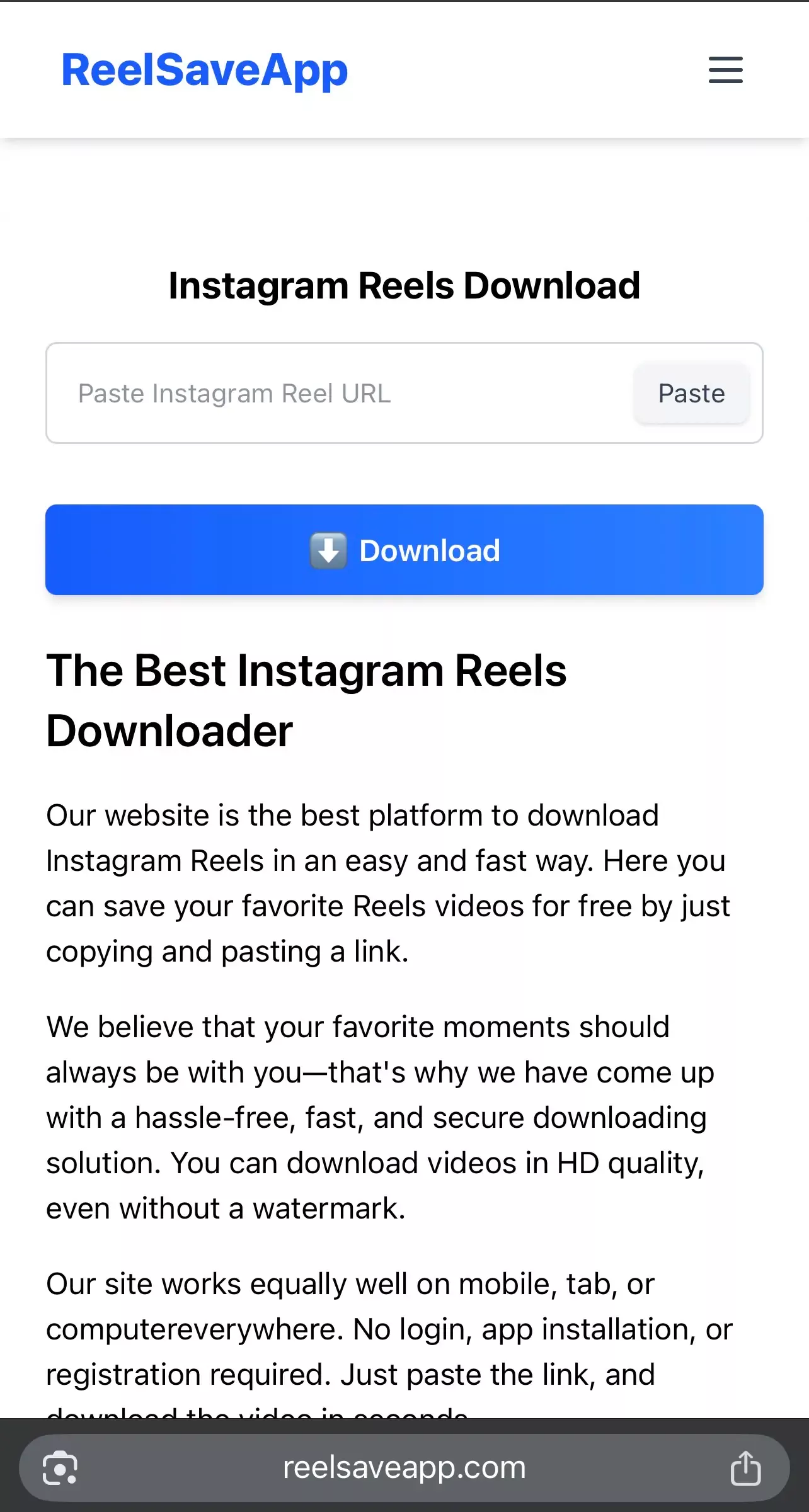
The Best Instagram Reels Downloader
Our website is the best platform to download Instagram Reels in an easy and fast way. Here you can save your favorite Reels videos for free by just copying and pasting a link.
We believe that your favorite moments should always be with you—that's why we have come up with a hassle-free, fast, and secure downloading solution. You can download videos in HD quality, even without a watermark.
Our site works equally well on mobile, tab, or computereverywhere. No login, app installation, or registration required. Just paste the link, and download the video in seconds.
Powerful Features
Reels Download Option
Copy the Instagram reel link, paste it on our site, and download your favorite video with just one click. No hassle, no complicated steps.
HD Quality Support
Download videos in HD, Full HD, and even 4K resolution without losing quality. Perfect for both mobile viewing and big screens.
No Watermark Download
Save videos completely clean — no annoying watermarks. Get the original content exactly as you want it.
Fast Download Speed
Optimized servers ensure lightning-fast downloads. Your videos are ready within seconds without waiting.
Audio Extract Option
Download only the audio from reels in high-quality MP3 or M4A format. Perfect for music, dialogues, or background sounds.
Cross-Platform Support
Works smoothly on mobile, tablet, laptop, and desktop. No app installation required.
Free to Use
100% free service. No registration, no subscriptions, and no hidden charges.
Unlimited Downloads
Download unlimited Instagram reels anytime. No daily limits or restrictions.
How to download Instagram Reels?
Every day, countless reels go viral on Instagram, which catch our eye. But the problem is, Instagram does not provide any option to directly download videos or reels. As a result, many people struggle to find their favorite videos again or save poor quality videos by recording the screen. Our website is a simple solution to that problem.
There is no need to install any app, sign up or login. By following just a few simple steps, you can download Instagram Reels in HD Quality, even without a watermark. The whole process is simple, fast and safe.
- Instagram Open the Reels video you want to download.
- Copy the link – Click on the three dots (…) on the top right of the video and press the Copy Link button.
- Visit our site – Paste the copied link into the input box on our site.
- Click on the Download button – Your video will be processed immediately.
- Choose the desired quality Download it as you want in HD or without watermark.
Mastering Instagram Content: Why You Need a Reliable Reels Saver
In the era of short-form video content, Instagram Reels have become the heart of digital storytelling. Whether it’s a 15-second comedy sketch, a detailed cooking tutorial, or breathtaking travel cinematography, Reels offer a window into global creativity. However, the transient nature of social media means that content can sometimes be hard to find again. This is where our Instagram Reels downloader becomes an essential tool for creators, curators, and casual users alike.
The Evolution of Instagram Reels
Launched as a response to the growing demand for vertical video, Instagram Reels has evolved from a simple feature into a powerhouse of engagement. For users, it's a source of endless entertainment. For brands, it's a vital marketing channel. But despite its popularity, the platform lacks a built-in feature to "Save to Gallery" with high fidelity. Our tool bridges this gap, allowing you to save Instagram Reels to camera roll in their original resolution.
Technical Excellence: HD, 4K, and MP4 Formats
When you use our IG Reels downloader, you aren't just getting a file; you are getting quality. Most screen recorders compress video, leading to pixelation and lag. Our server-side technology fetches the direct source file from Instagram's CDN (Content Delivery Network). This ensures:
- Resolution Integrity: If the original was uploaded in 1080p, you download it in 1080p.
- Frame Rate Consistency: Smooth playback at 30 or 60 FPS, just as the creator intended.
- MP4 Compatibility: The universal format that plays on everything from an old Android phone to a high-end MacBook Pro.
Detailed Guide: How to Download Reels on Any Device
1. Saving Reels on Android Devices
Android users have the most flexibility. To save a Reel:
Open Instagram > Find the Reel > Tap the Share icon (paper airplane) > Copy Link. Open your mobile browser, visit our site, and paste. The file will typically appear in your "Downloads" folder or "Gallery" app under "Restored Media."
2. Downloading IG Reels on iPhone (iOS)
Due to Apple's privacy settings, downloading files can sometimes feel tricky. However, our Instagram video downloader is fully compatible with Safari on iOS 13 and above.
Simply copy the link from the Instagram app, paste it into our tool in Safari, and tap download. When the pop-up appears, click "Download." You can find your video in the "Files" app or save it directly to "Photos."
3. Desktop and PC (Windows/Mac)
For content creators who edit videos for YouTube or TikTok, downloading on a PC is preferred. Our web-based tool requires no extensions.
Copy the URL from your browser's address bar while viewing the Reel, paste it here, and choose your save location. This is the fastest way to build a local library of no-watermark Instagram videos.
Why Our Tool is Better than App-Based Downloaders
Many users wonder if they should install a dedicated app from the Play Store or App Store. Here is why our online Instagram Reels saver is the superior choice:
- Privacy First: Most apps ask for permission to access your contacts, camera, and private photos. Our website asks for nothing. We don't even require a login.
- Battery and Storage: Apps run background processes that drain your battery and take up valuable storage space. Our tool only uses your browser's cache temporarily.
- No Intrusive Ads: Unlike "Free" apps that bombard you with full-screen video ads every 10 seconds, our platform provides a clean, user-friendly experience optimized for Google AdSense standards.
- Universal Access: An app only works on the phone it's installed on. Our site works on your friend's phone, your library computer, and your tablet simultaneously.
The Importance of "No Watermark" Content
One of the biggest frustrations with native "Save" features in other apps is the branding. If you want to use a video for a presentation, a school project, or a mood board, a giant bouncing logo is distracting. Our Instagram Reels downloader no watermark feature ensures that the visual aesthetics of the video remain untouched. You get the raw, clean footage as it was before the platform added its UI layers.
Instagram Reels for Business and Education
Downloading Reels isn't just about entertainment. It's a powerful tool for professional growth:
For Educators: Teachers often find 60-second science experiments or history facts on Reels. By downloading them, they can embed these videos into PowerPoint presentations without worrying about a slow internet connection in the classroom.
For Social Media Managers: Keeping an "Inspiration Folder" is a standard practice. By saving successful Reels from competitors or industry leaders, managers can analyze transitions, trending audios, and caption strategies offline.
For Fitness Enthusiasts: Download a workout routine or a yoga flow so you can follow along at the gym or in the park where Wi-Fi might be spotty.
Understanding Instagram's Public vs. Private Policy
Our tool is designed to respect the privacy architecture of Meta. We only allow the download of public Instagram Reels. If an account is set to "Private," the content is protected by the user’s settings. We believe in ethical downloading—always ensure you have the right to save and view the content you are accessing.
Tips for the Best Downloading Experience
- Check Connection: For 4K or 1080p HD downloads, ensure you are on a stable Wi-Fi connection to prevent file corruption.
- Update Browser: Use modern browsers like Chrome, Brave, or Safari for the fastest processing speeds.
- Verify Links: Ensure the link looks like instagram.com/reels/XXXXX/. Links to stories or profile pages will not work in the Reels downloader.
Future-Proofing Your Media Library
Social media platforms change their algorithms and features constantly. Sometimes, legendary videos are deleted by the creator or removed due to music licensing changes. By using our Instagram Reels permanent saver, you ensure that the content that moves you, inspires you, or makes you laugh is safe on your own physical hardware. Don't leave your favorite memories to the mercy of an algorithm.
What Is an Instagram Reels Downloader?
An Instagram Reels downloader is an online tool that allows you to download public Instagram
Reels videos using only a video link. Instead of screen recording or relying on third-party apps,
you can save the original video file directly and watch it offline anytime.
This tool works entirely through your browser, making it simple, fast, and accessible on almost
any device.
Why People Download Instagram Reels
- Watching Reels offline without using mobile data
- Saving educational or motivational content
- Backing up personal or self-created Reels
- Sharing videos on messaging apps like WhatsApp or Telegram
- Keeping inspiration for fitness, cooking, design, or travel
Supported Devices and Browsers
This Instagram Reels downloader works smoothly across multiple platforms and devices.
- Android smartphones and tablets
- iPhone and iPad
- Windows, macOS, and Linux computers
- Chrome, Safari, Firefox, Edge, and other modern browsers
Video Quality and File Format
Downloaded Reels are provided in MP4 format, which is supported by most devices and media players.
When available, videos are offered in HD or original quality without adding watermarks.
Privacy and Security
- No Instagram login required
- No password or personal data needed
- No app installation or storage permissions
- Only public content is processed
Responsible Use Disclaimer
This tool is intended for personal use only. Please respect copyright laws and content creators’
rights. Download and reuse content only if you own it or have permission. This website is not
affiliated with Instagram or Meta.
Frequently Asked Questions (FAQ)
What can I do from this site?
This site allows you to download public Instagram Reels videos directly to your device.
You can save Reels for offline viewing, personal reference, or to keep content you find
useful or inspiring. The tool works online, so you don’t need any technical knowledge to use it.
Is the site free to use?
Yes, this Instagram Reels downloader is completely free to use.
You do not need to create an account, sign up, or pay any subscription fees.
Simply paste the Reel link and download the video when it’s ready.
How to download Instagram Reels?
First, open the Instagram app or website and copy the link of the Reel you want to download.
Next, paste that link into the input box on our website.
Click the Download button and wait a few seconds while the video is processed.
Once ready, you can save the Reel video directly to your device.
Can I use it on both mobile and computer?
Yes, the site works smoothly on mobile phones, tablets, and desktop computers.
You can use it on Android, iPhone, Windows, macOS, and Linux devices.
It supports popular browsers like Chrome, Safari, Firefox, and Edge.
Will the downloaded videos be available without a watermark?
The downloaded Reels are provided without adding any extra watermark.
The video quality and audio depend on the original Instagram upload,
and the tool does not modify or brand the content.
Do I need to install an app?
No installation is required.
This is a browser-based tool, so you can use it directly from your web browser
without downloading any apps or giving special permissions to your device.
Can I download and share someone else's Reels?
You should always respect the rights of content creators.
Downloaded Reels are best used for personal viewing or reference.
If you plan to repost or share someone else’s content publicly,
it’s recommended to get permission and give proper credit to the original creator.
What if I have problems downloading?
If a download doesn’t work, first check your internet connection
and make sure the Reel link was copied correctly.
Also confirm that the Reel is public and still available on Instagram.
If the issue continues, try again after some time.
An Instagram Reels downloader is an online tool that allows users to save public Reels videos
directly to their device using a video link. Since Instagram does not provide a native download
option, these tools help users access Reels offline without relying on screen recording or
third-party apps.
This downloader works through a web browser and does not require account login, app installation,
or personal information. It supports common devices such as mobile phones, tablets, and desktop
computers, making it a practical option for users who want a quick and simple way to download
Reels videos when needed.